Tech Tips
How to Open Task Manager on Chromebook and End Frozen Apps
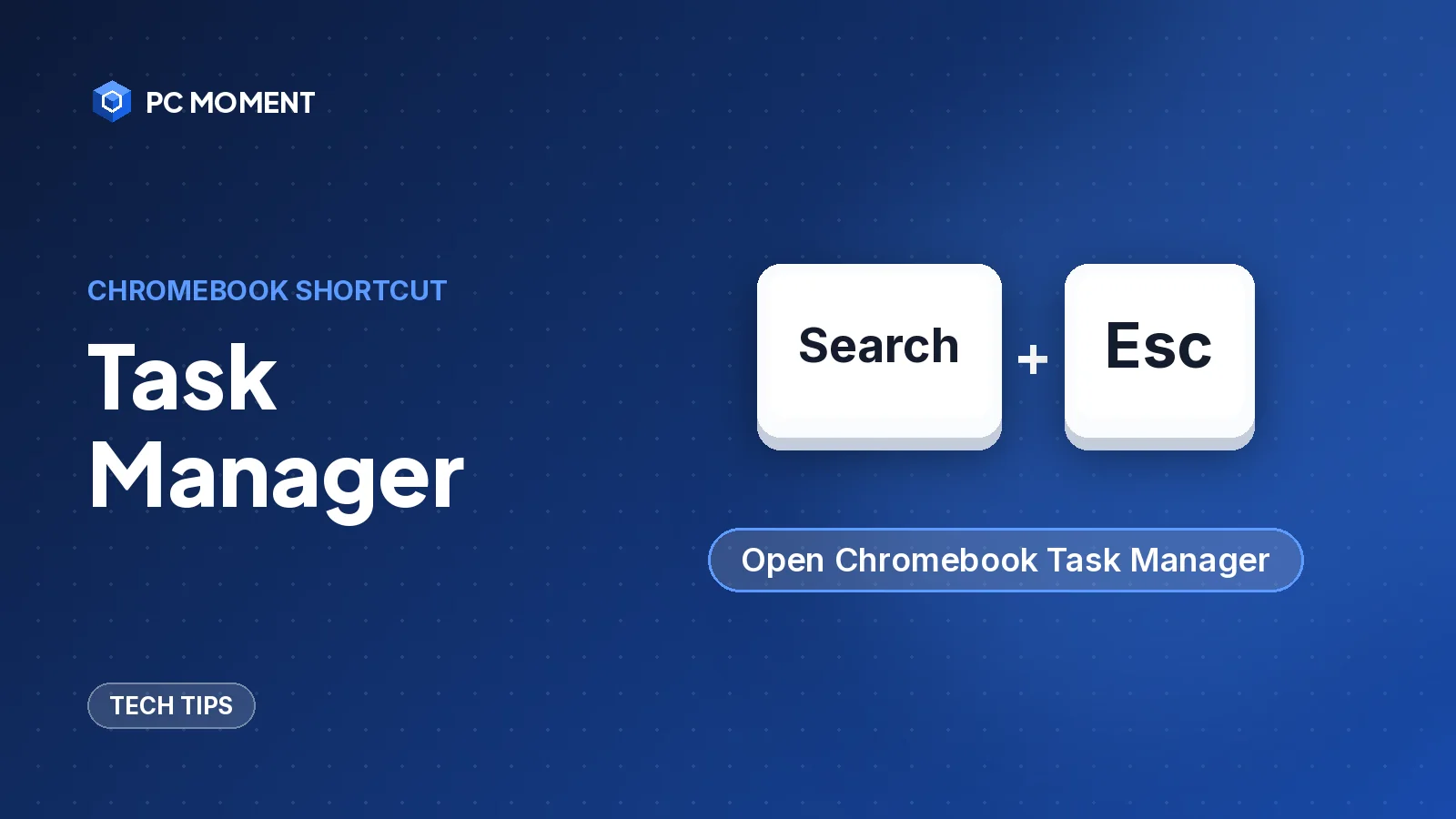
Press Search + Esc to open Task Manager on a Chromebook, then end a frozen tab or app. Plus the Chrome menu route and the Diagnostics app for CPU and memory.
5 min read
Guides, fixes and tutorials
Every PC Moment article in one place: step-by-step PC repair guides, Windows error fixes, programming guides and practical tech tips.
Tech Tips
Press Search + Esc to open Task Manager on a Chromebook, then end a frozen tab or app. Plus the Chrome menu route and the Diagnostics app for CPU and memory.
5 min read
PC Repairs
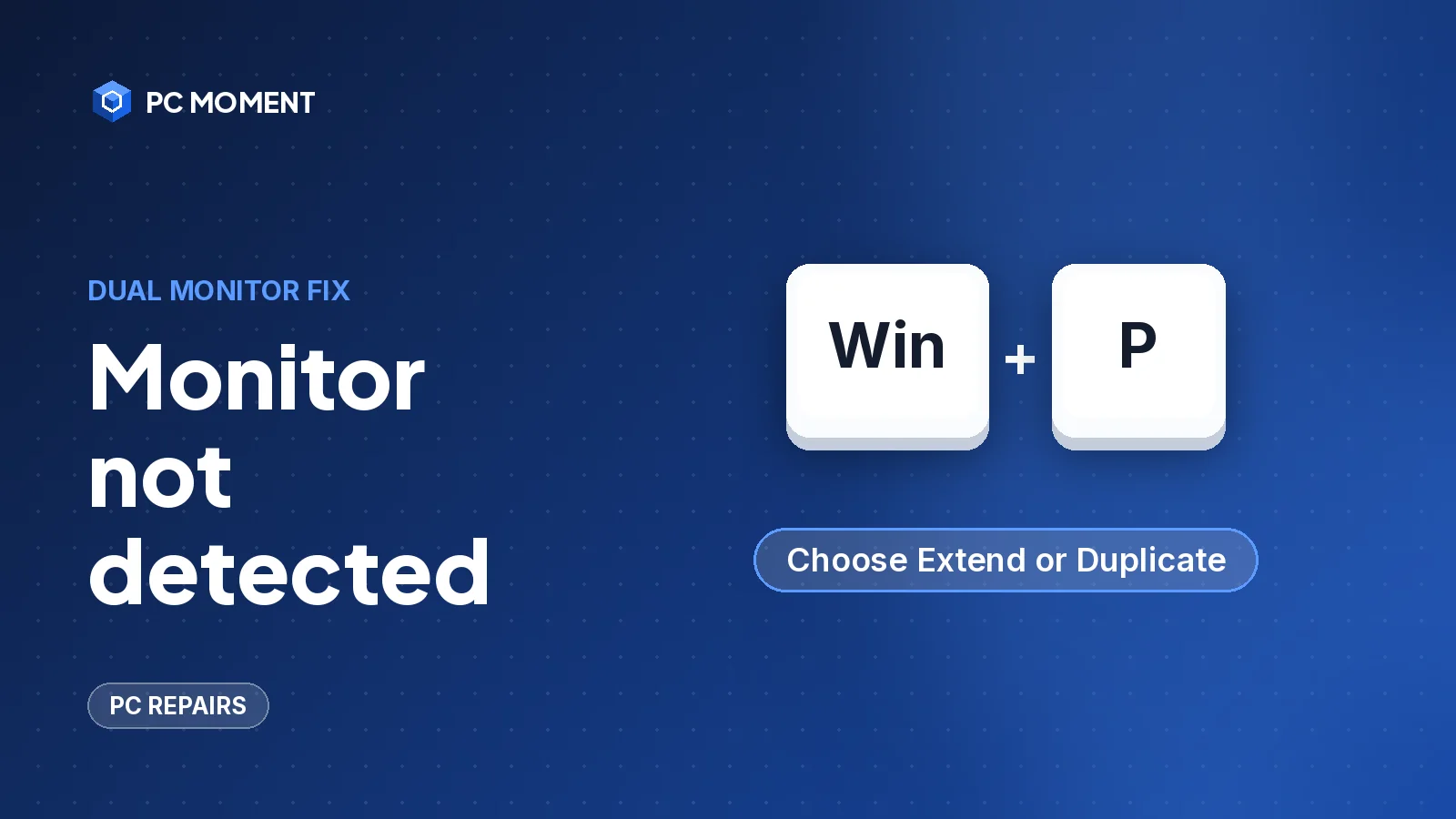
Windows not detecting your second monitor? Check the cable and input source, press Windows + P, use Detect in Display settings, then reset or roll back the graphics driver.
7 min read
Tech Tips
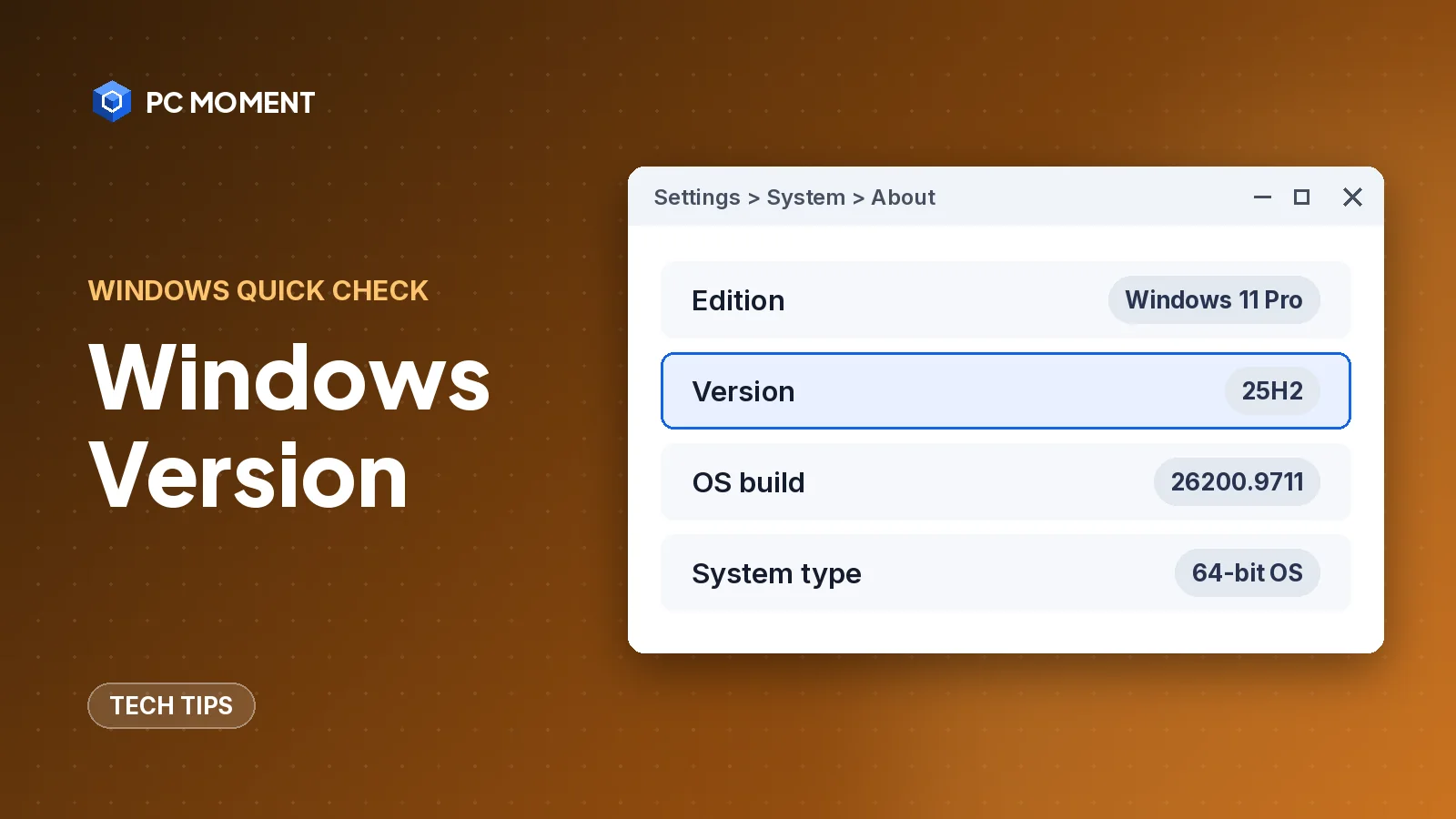
Check which Windows you have in seconds with winver, Settings > System > About or systeminfo, and learn what edition, version and OS build mean.
5 min read
PC Repairs
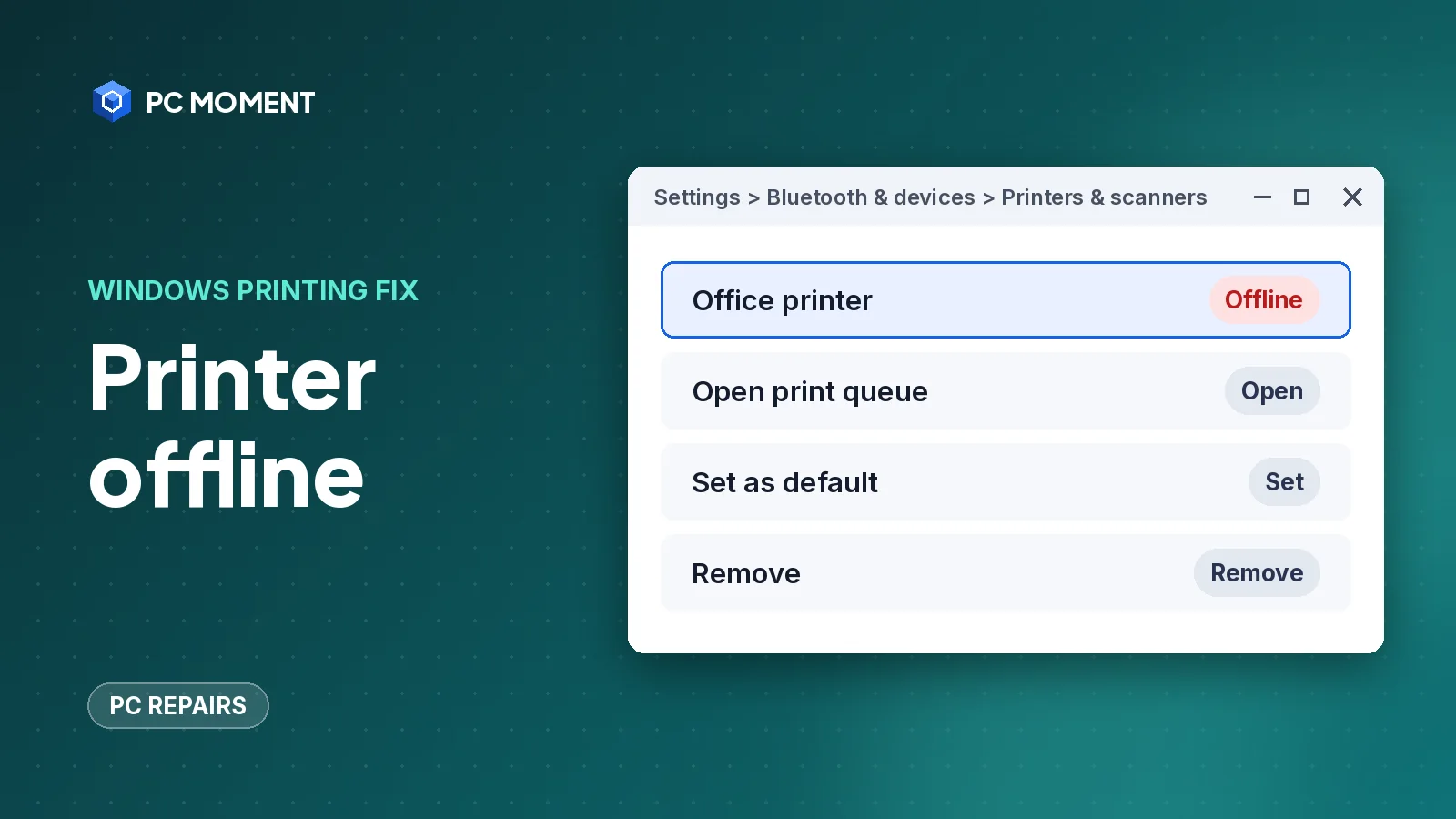
Windows shows a printer as offline when it can't talk to it. Restart the printer, check the network, then clear the queue and restart the Print Spooler.
7 min read
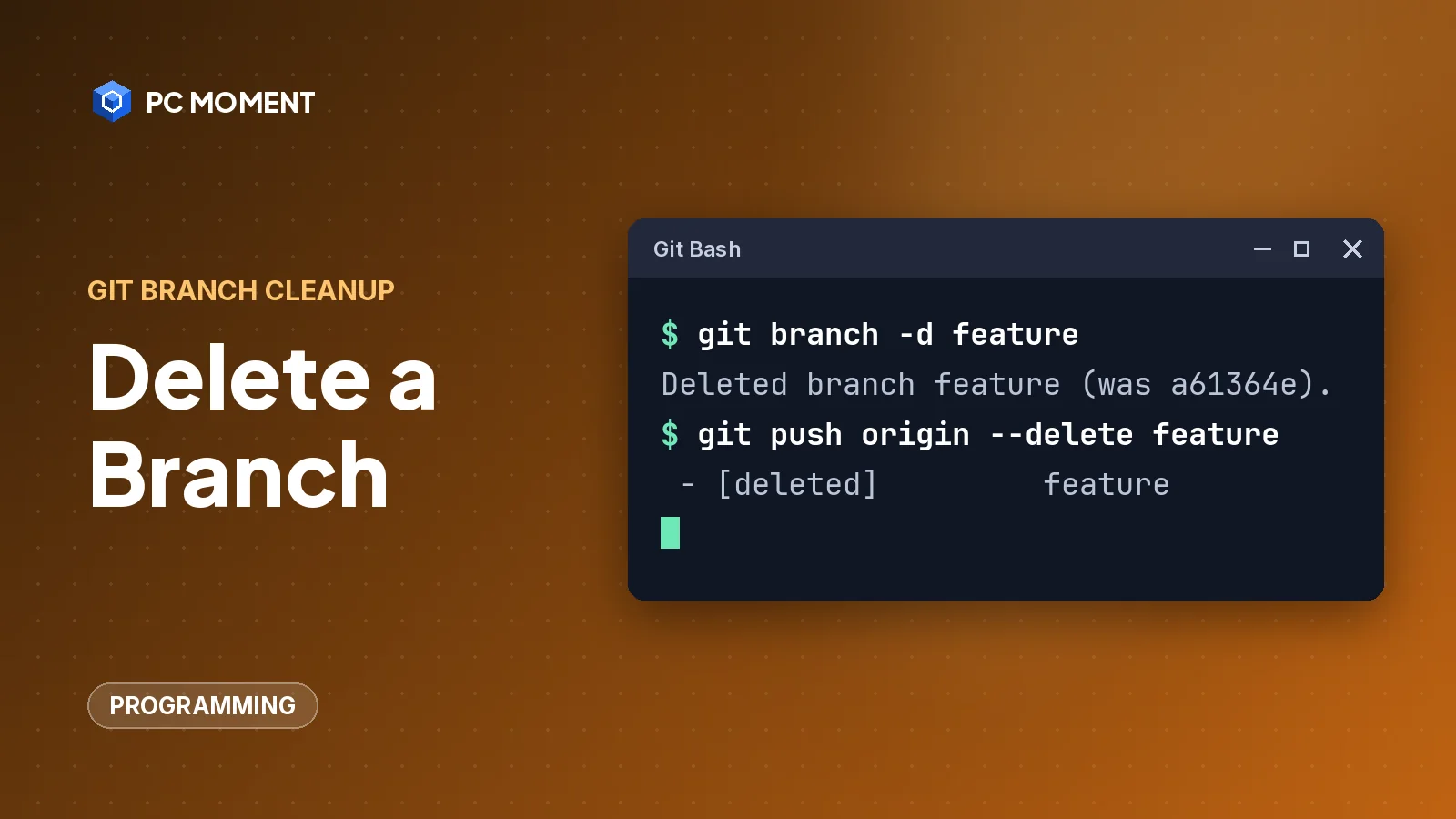
Programming
Delete a Git branch on your machine with git branch -d, on the remote with git push --delete, and clean up stale remote-tracking branches with git fetch --prune.
6 min read
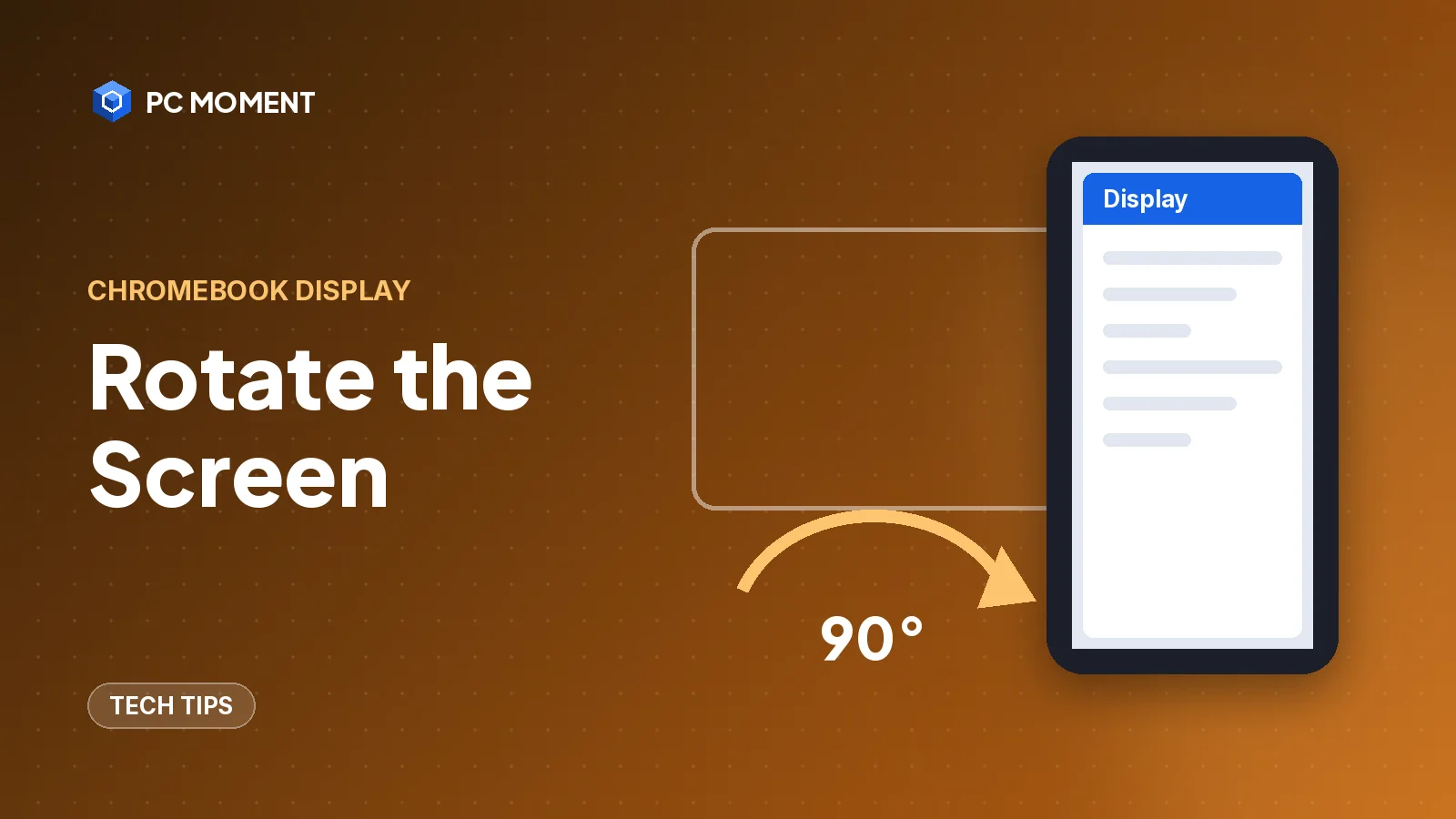
Tech Tips
Press Ctrl + Shift + Refresh to rotate a Chromebook screen 90 degrees, or set the orientation in Settings. Works for the built-in screen and external monitors.
5 min read
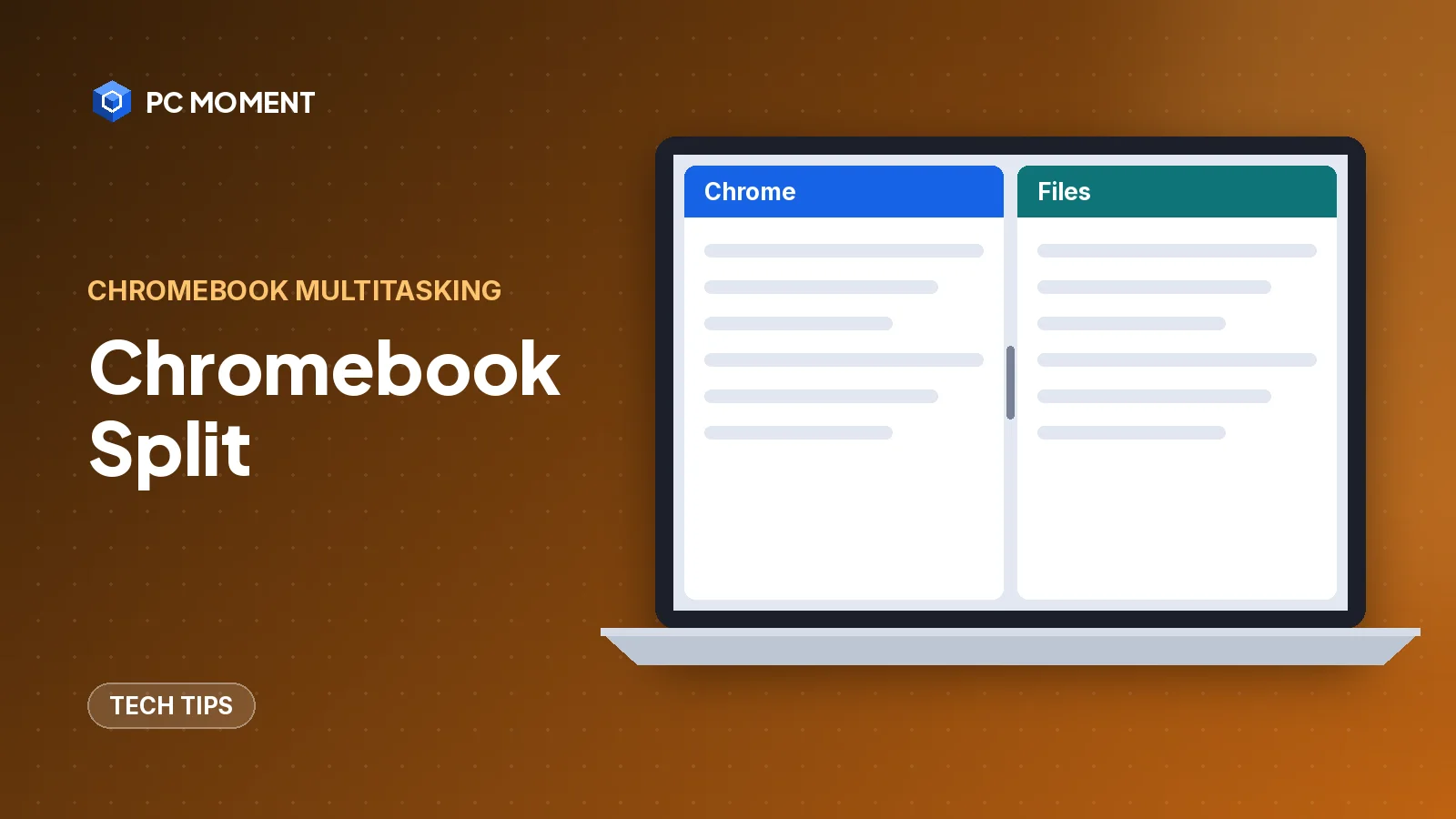
Tech Tips
Press Alt + [ or Alt + ] to snap a Chromebook window to half the screen. Here's how to drag, use Partial split, Snap Groups and split screen in tablet mode.
6 min read
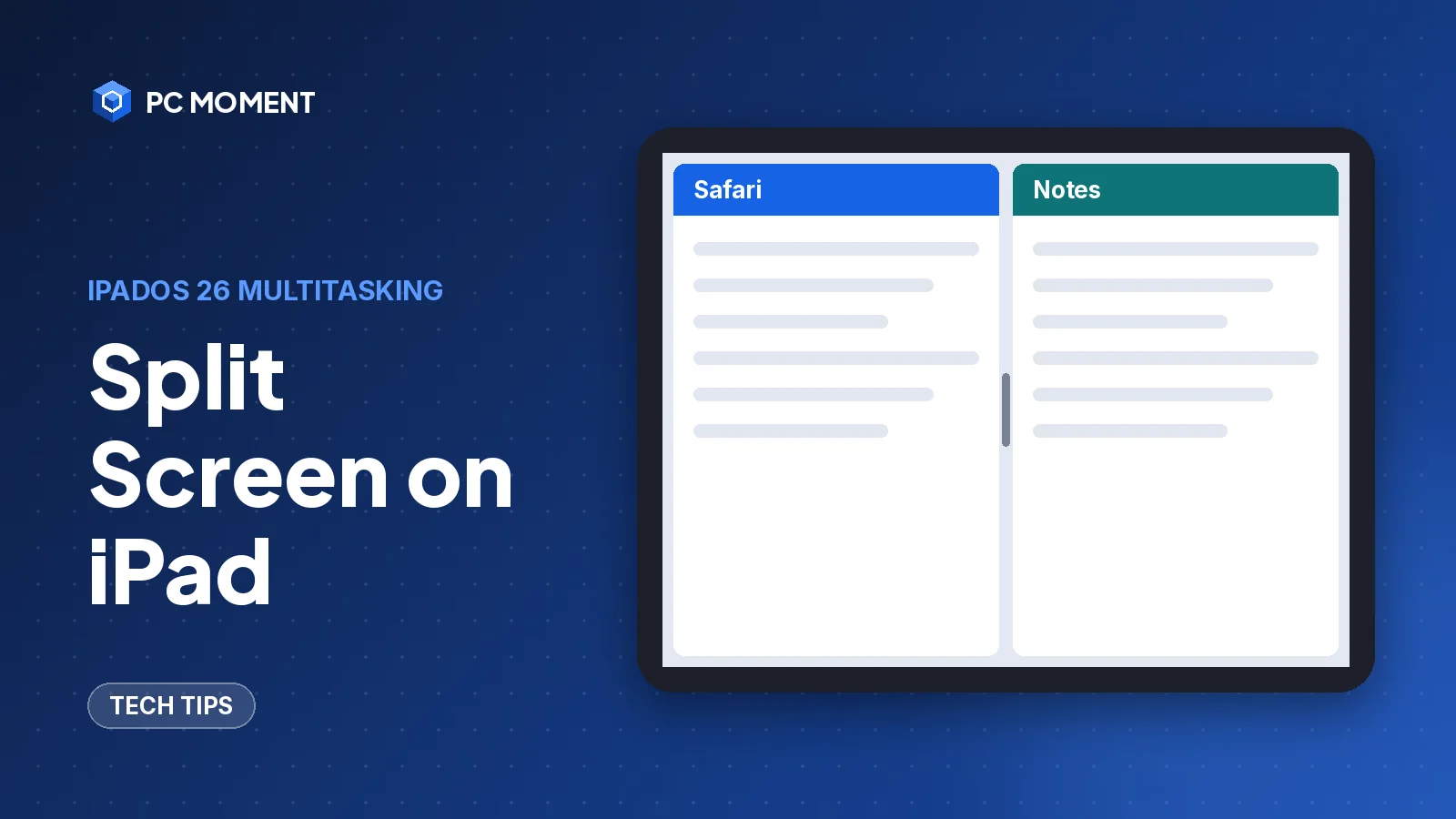
Tech Tips
Put two apps side by side on iPad with the new windowed apps in iPadOS 26 and 27, or with the three-dot Split View button in iPadOS 17 and 18.
7 min read
PC Repairs
Citrix Workspace says "Cannot start app"? Refresh, end stuck sessions, check the browser hand-off, update or reset the app, and know when the fault is on the server.
6 min read
Tech Tips
The Command Prompt keyboard shortcuts worth learning, the Windows Terminal keys that go with them, and fast ways to open cmd or make a desktop shortcut.
7 min read
PC Repairs
Back up first, diagnose before you fix, and work safely. These beginner computer repair tips cover slow PCs, crashes, overheating, no sound, Wi-Fi and PCs that won't start.
7 min read
Tech Tips
Fifteen genuinely useful Windows tricks, from clipboard history and Snap layouts to a hidden battery report, all built into Windows 10 and 11.
7 min read