
Programming
Git Delete Branch: Remove Local and Remote Branches Safely
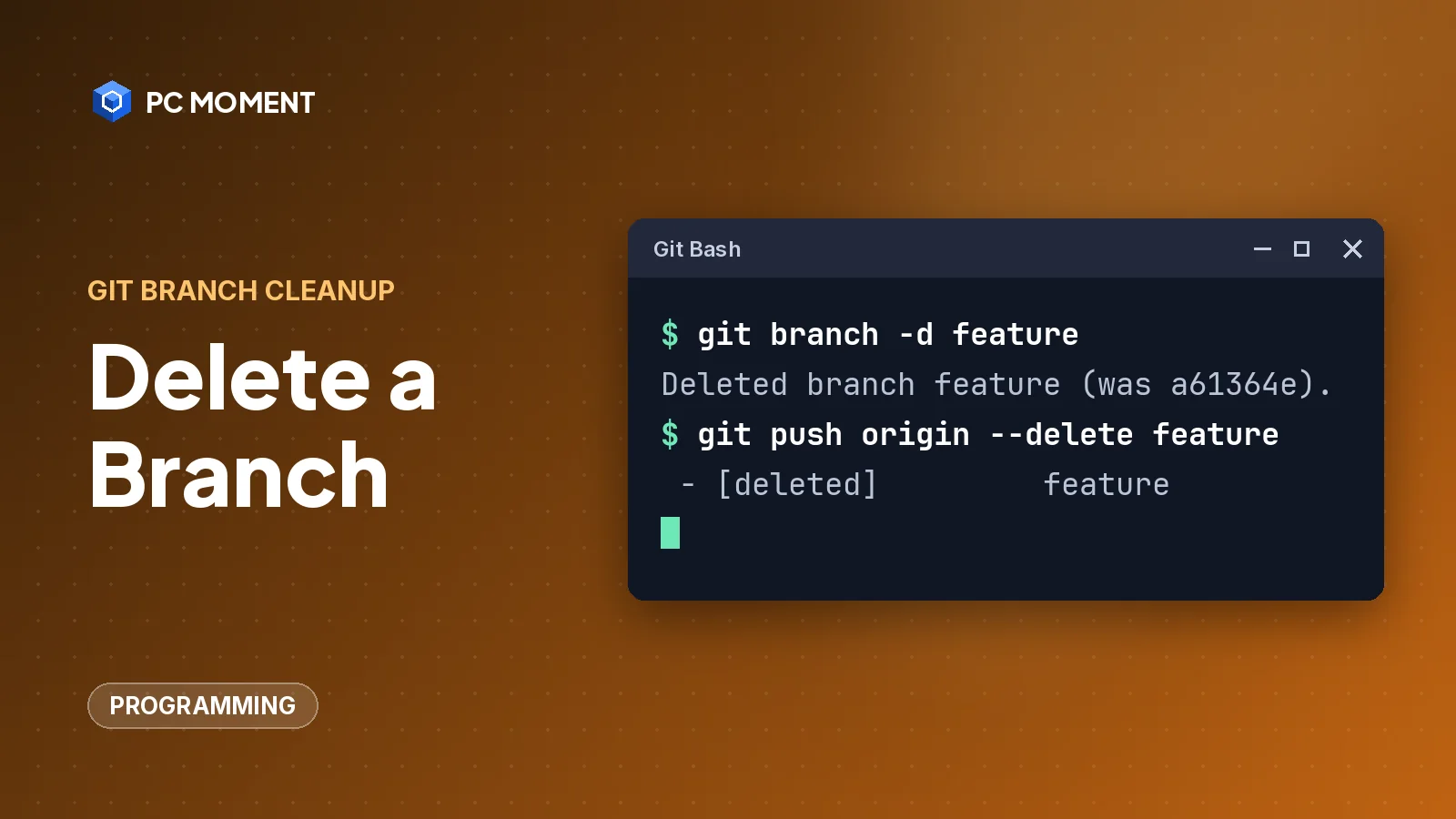
Delete a Git branch on your machine with git branch -d, on the remote with git push --delete, and clean up stale remote-tracking branches with git fetch --prune.
6 min read
Technology, made practical
Clear guides to programming, PC repairs, and smarter ways to use your tech — without the jargon.
Programming
Delete a Git branch on your machine with git branch -d, on the remote with git push --delete, and clean up stale remote-tracking branches with git fetch --prune.
6 min read
Tech Tips
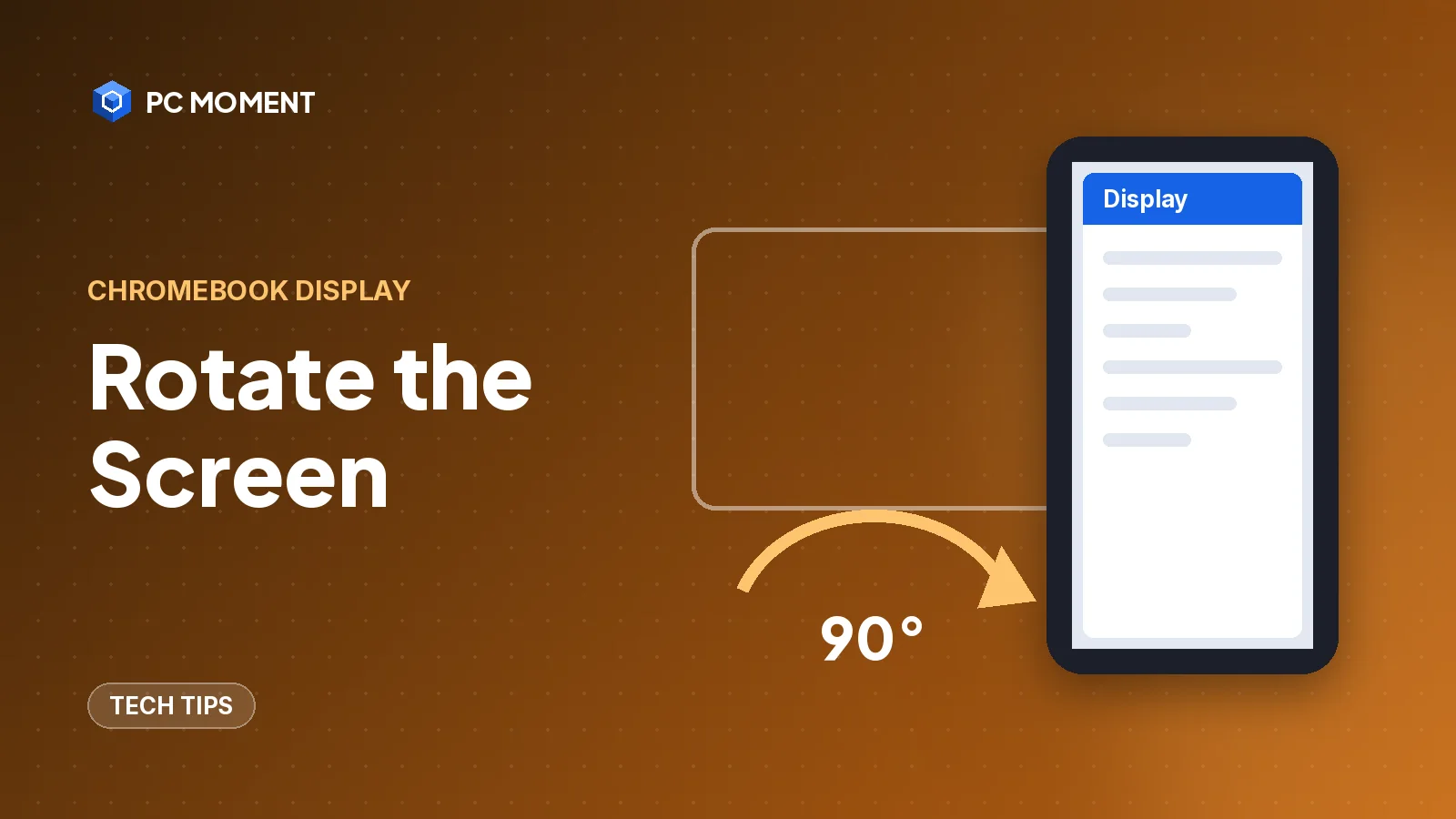
Press Ctrl + Shift + Refresh to rotate a Chromebook screen 90 degrees, or set the orientation in Settings. Works for the built-in screen and external monitors.
5 min read
Tech Tips
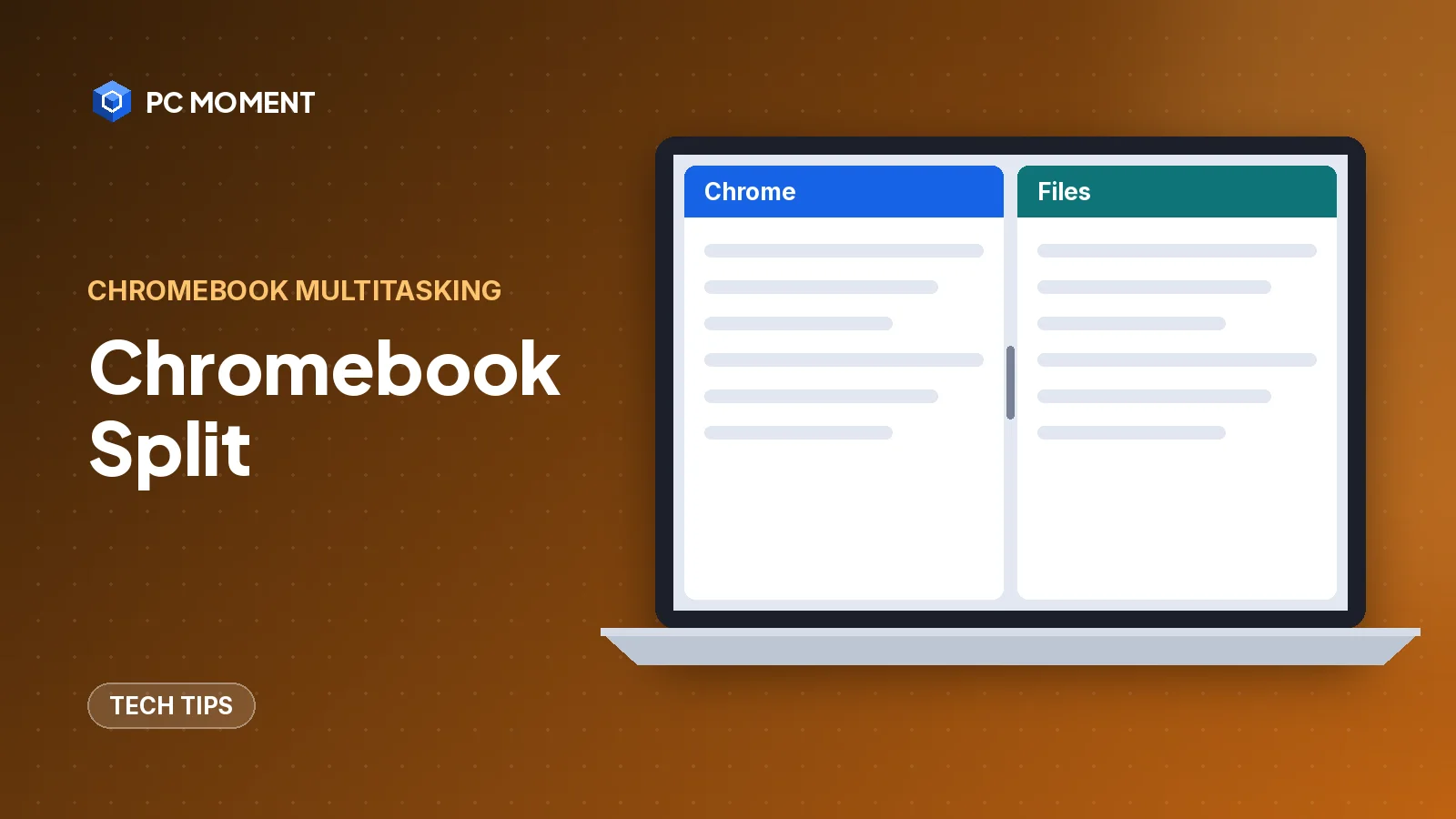
Press Alt + [ or Alt + ] to snap a Chromebook window to half the screen. Here's how to drag, use Partial split, Snap Groups and split screen in tablet mode.
6 min read
Questions
How the guides are written and checked is explained in full in the editorial policy.
Three kinds of guides: PC Repairs (Windows errors, slow PCs and simple hardware fixes), Programming (beginner guides and fixes for git, Python, Java, .NET and SSH errors) and Tech Tips (Windows shortcuts, settings and search tricks). There are also free browser tools, such as a JSON formatter and number converters.
Every fix is checked against the official documentation for the software involved, such as Microsoft Learn and Microsoft Support, the git manual and the Python documentation. Each article ends with a Sources box listing those documents, so you can check them yourself.
Each Windows guide says which version its steps apply to, because menus and commands change between versions. Many guides cover both Windows 10 and Windows 11.
Steps that can delete data, change security settings or need administrator rights are marked with a warning, and the safer option comes first. PC Moment never recommends turning off antivirus, SmartScreen or the firewall permanently. Back up your files before any repair.
Everything on the site is free to read and use. Some articles link to products on Amazon, and PC Moment earns a small commission on qualifying purchases at no extra cost to you. Free fixes always come first, and those links never decide what a guide recommends.
Yes. Email [email protected] with the error message or problem you'd like covered, or with the mistake you found. Corrections are made as soon as they are confirmed.

About PC Moment
PC Moment is written by a software engineer with over 10 years of experience in programming, computer repairs and everyday tech. The goal is simple: to share clear, practical advice that helps you solve problems and get more from your technology.
More about PC Moment