Tech Tips
How to Open Task Manager on Chromebook and End Frozen Apps
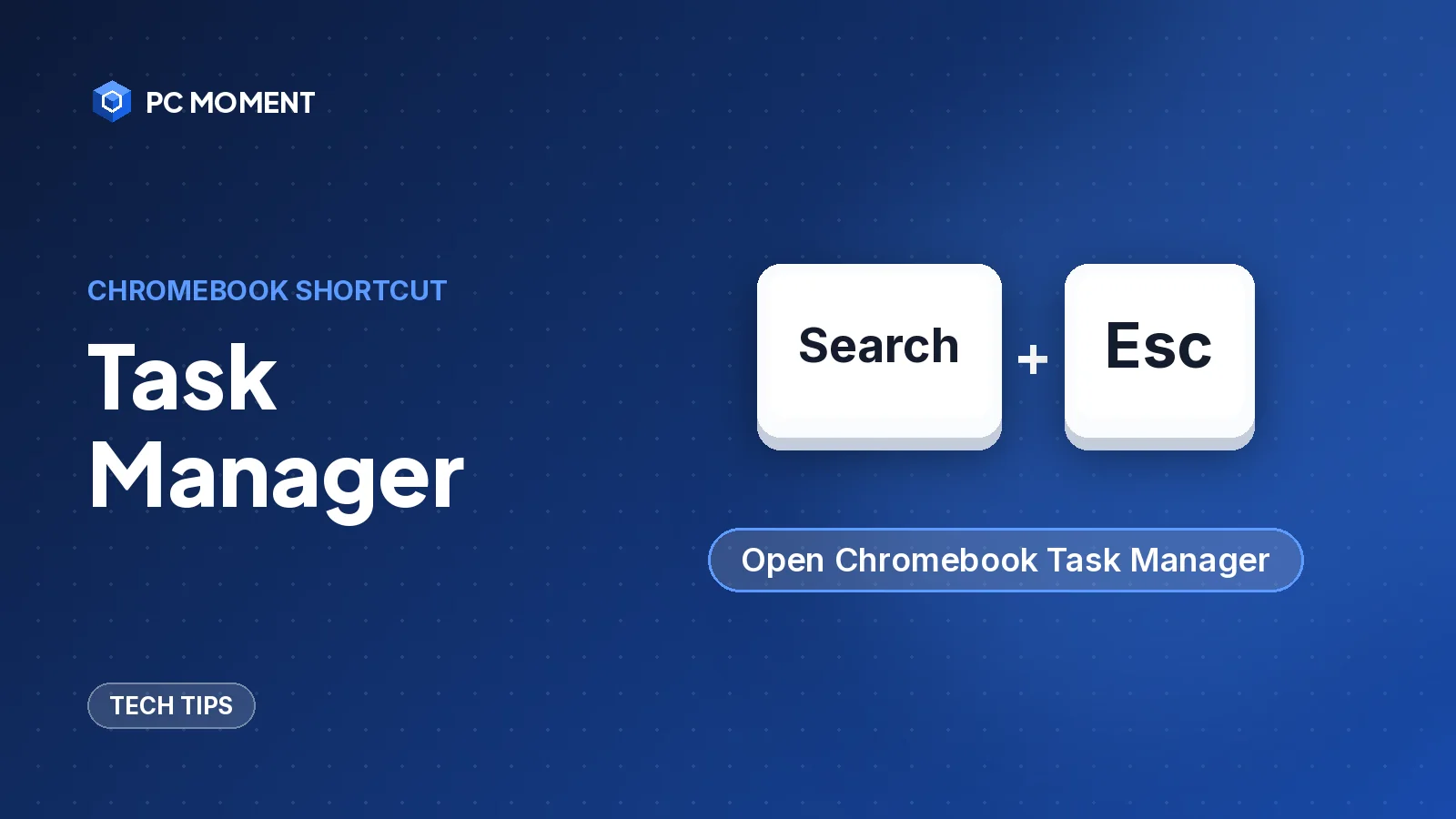
Press Search + Esc to open Task Manager on a Chromebook, then end a frozen tab or app. Plus the Chrome menu route and the Diagnostics app for CPU and memory.
5 min read
Category
Practical tech tips for Windows and the web: opening an elevated command prompt, useful computer tricks and shortcuts, Google search operators and simple habits that keep a PC fast and secure.
Tech Tips
Press Search + Esc to open Task Manager on a Chromebook, then end a frozen tab or app. Plus the Chrome menu route and the Diagnostics app for CPU and memory.
5 min read
Tech Tips
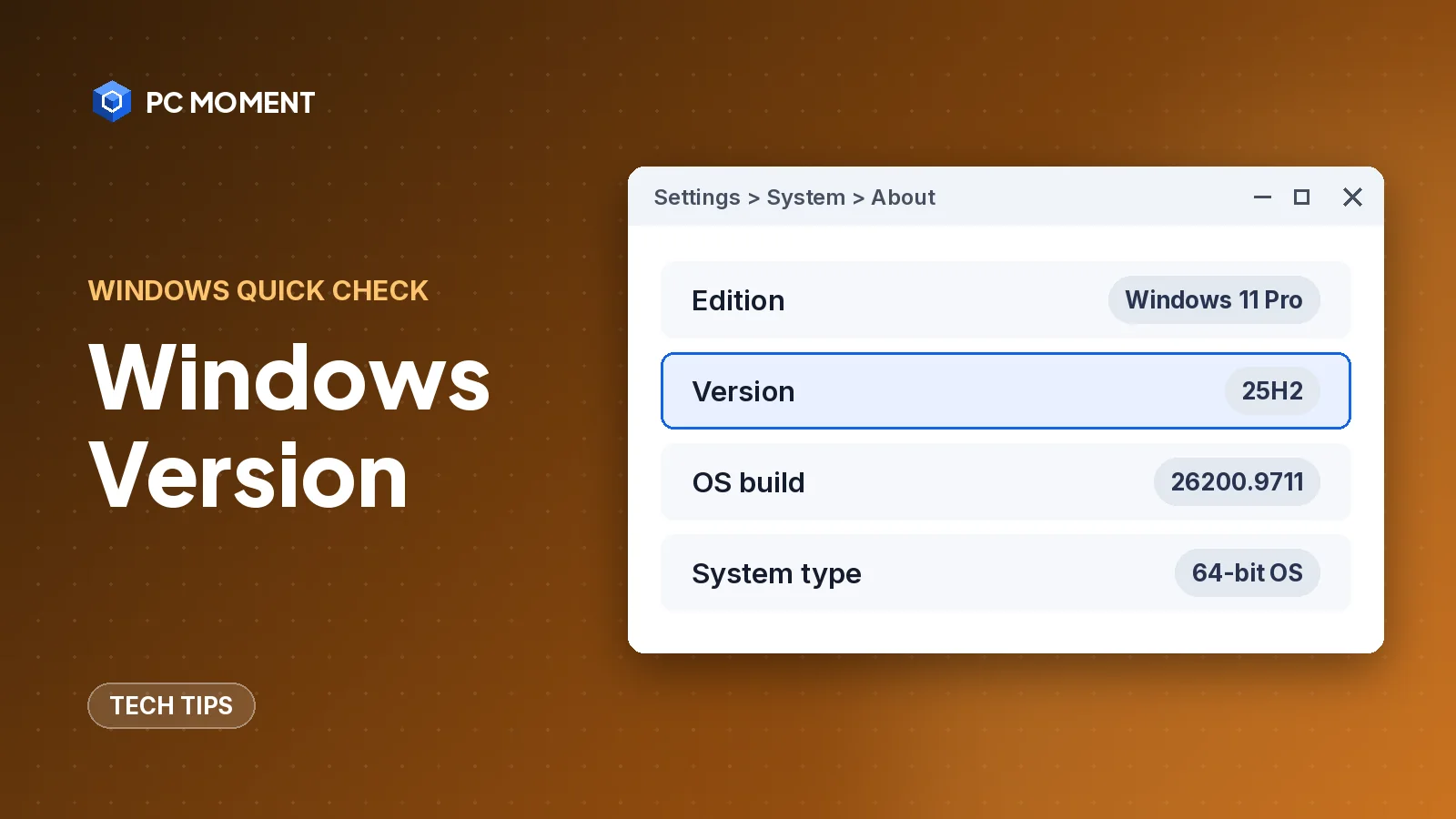
Check which Windows you have in seconds with winver, Settings > System > About or systeminfo, and learn what edition, version and OS build mean.
5 min read
Tech Tips
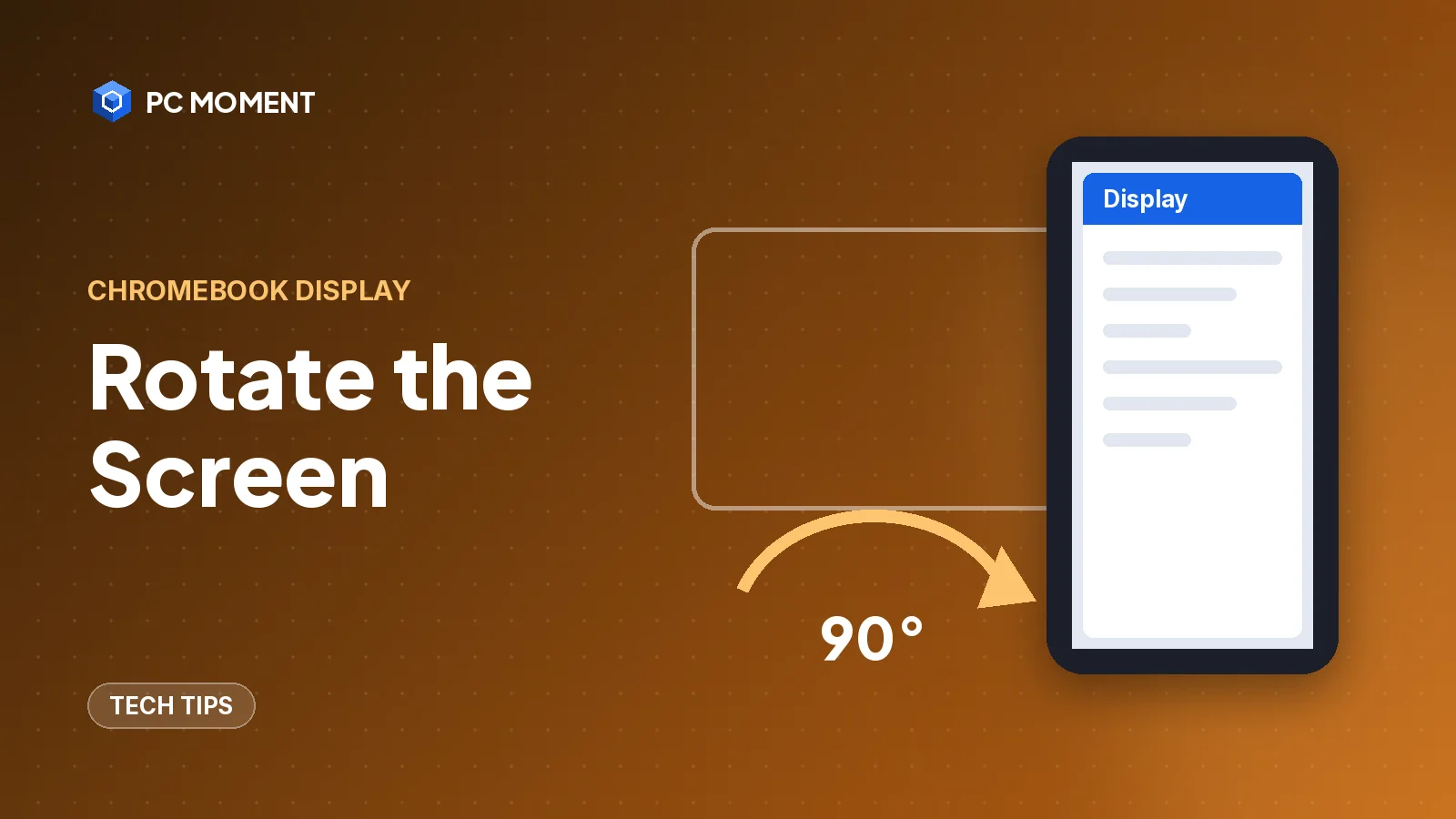
Press Ctrl + Shift + Refresh to rotate a Chromebook screen 90 degrees, or set the orientation in Settings. Works for the built-in screen and external monitors.
5 min read
Tech Tips
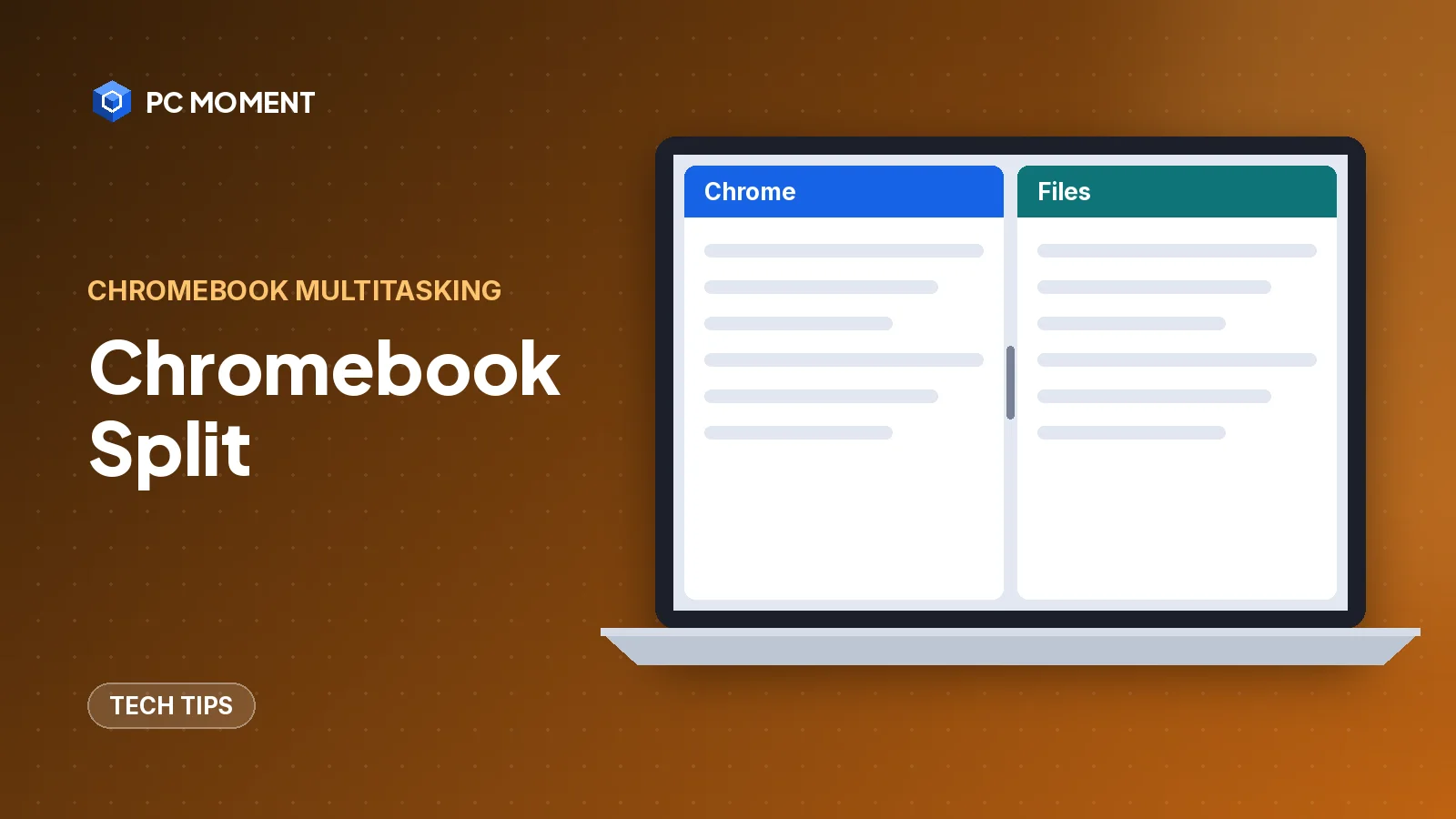
Press Alt + [ or Alt + ] to snap a Chromebook window to half the screen. Here's how to drag, use Partial split, Snap Groups and split screen in tablet mode.
6 min read
Tech Tips
Put two apps side by side on iPad with the new windowed apps in iPadOS 26 and 27, or with the three-dot Split View button in iPadOS 17 and 18.
7 min read
Tech Tips
The Command Prompt keyboard shortcuts worth learning, the Windows Terminal keys that go with them, and fast ways to open cmd or make a desktop shortcut.
7 min read
Tech Tips
Fifteen genuinely useful Windows tricks, from clipboard history and Snap layouts to a hidden battery report, all built into Windows 10 and 11.
7 min read
Tech Tips
Six reliable ways to open an elevated Command Prompt in Windows 10 and 11, what elevation means, and how to check you're actually running as admin.
7 min read
Tech Tips
The Google search operators Google still documents, which old ones are gone, and the filters and image tools that find things faster.
7 min read
Tech Tips
Open BIOS/UEFI on Windows 11 three ways: from Settings, with one command, or with your PC maker's boot key. Plus a fix for when fast startup gets in the way.
7 min read
Tech Tips
Every way to screenshot on Windows 11, from the Print Screen key to Snipping Tool and Game Bar, plus where each one saves your image.
7 min read
Tech Tips
Make Windows 11 faster with built-in tools: updates, startup apps, Storage Sense, power mode and visual effects, plus when an SSD upgrade is worth it.
7 min read